
Best Legal Document Services: Where LegalTemplates Stands
Legal paperwork is something most people can’t avoid. Whether you’re starting a business hiring employees renting property or managing personal affairs legal documents play a critical role in protecting your interests.
Traditionally creating these documents meant hiring a lawyer—often an expensive and time-consuming process. But today online legal platforms have changed the game. You can now create contracts agreements and other legal forms in minutes without needing deep legal knowledge.
This has led to the rise of online legal document services platforms designed to simplify legal processes while reducing costs. Among these platforms LegalTemplates.net has gained attention for its simplicity affordability and wide range of templates.
But how does it compare to other popular services like LegalZoom Rocket Lawyer or DocuSign? And more importantly is it the right choice for your needs?
In this blog we’ll explore the best legal document services available today take a closer look at LegalTemplates and help you decide where it stands in the competitive landscape.
What Are Online Legal Document Services?
Online legal document services are platforms that allow users to create legally valid documents using guided templates.Instead of writing contracts from scratch or hiring a lawyer users can:
- Select a document type
- Answer simple questions
- Generate a customized legal document
These platforms are designed to make legal work more accessible especially for:
- Small business owners
- Freelancers
- Landlords
- Individuals
Why These Services Matter Today?

Legal services can be expensive and intimidating. Many people delay or avoid creating important documents simply because they don’t know where to start.
- Online legal platforms solve this problem by offering
- Convenience: Everything is done online from creation to download.
- Cost Savings: Users can avoid high legal fees for basic documents.
- Speed: Documents can be created in minutes instead of days.
- Accessibility: No legal background is required.
Top Legal Document Services in 2026
Before focusing on LegalTemplates let’s look at the major players in this space.
1. LegalTemplates
LegalTemplates is known for its simple fast and affordable approach to legal document creation.
Key Features
- Wide range of templates
- Step-by-step document builder
- Instant downloads
- Beginner-friendly interface
Best For
- Individuals
- Freelancers
- Small businesses
2. LegalZoom
LegalZoom is one of the most well-known legal platforms.
Key Features
- Legal documents
- Business formation services
- Access to legal professionals
Best For
Users who want both documents and legal advice
3. Rocket Lawyer
Rocket Lawyer offers both templates and legal support.
Key Features
- Subscription-based access
- Legal advice included
- Document customization
Best For
- Users needing ongoing legal support
4. DocuSign (Templates + Signing)
DocuSign is primarily known for e-signatures but also offers templates.
Key Features
- Digital signing
- Document management
- Workflow automation
Best For
- Businesses focused on document signing
Where LegalTemplates Stands
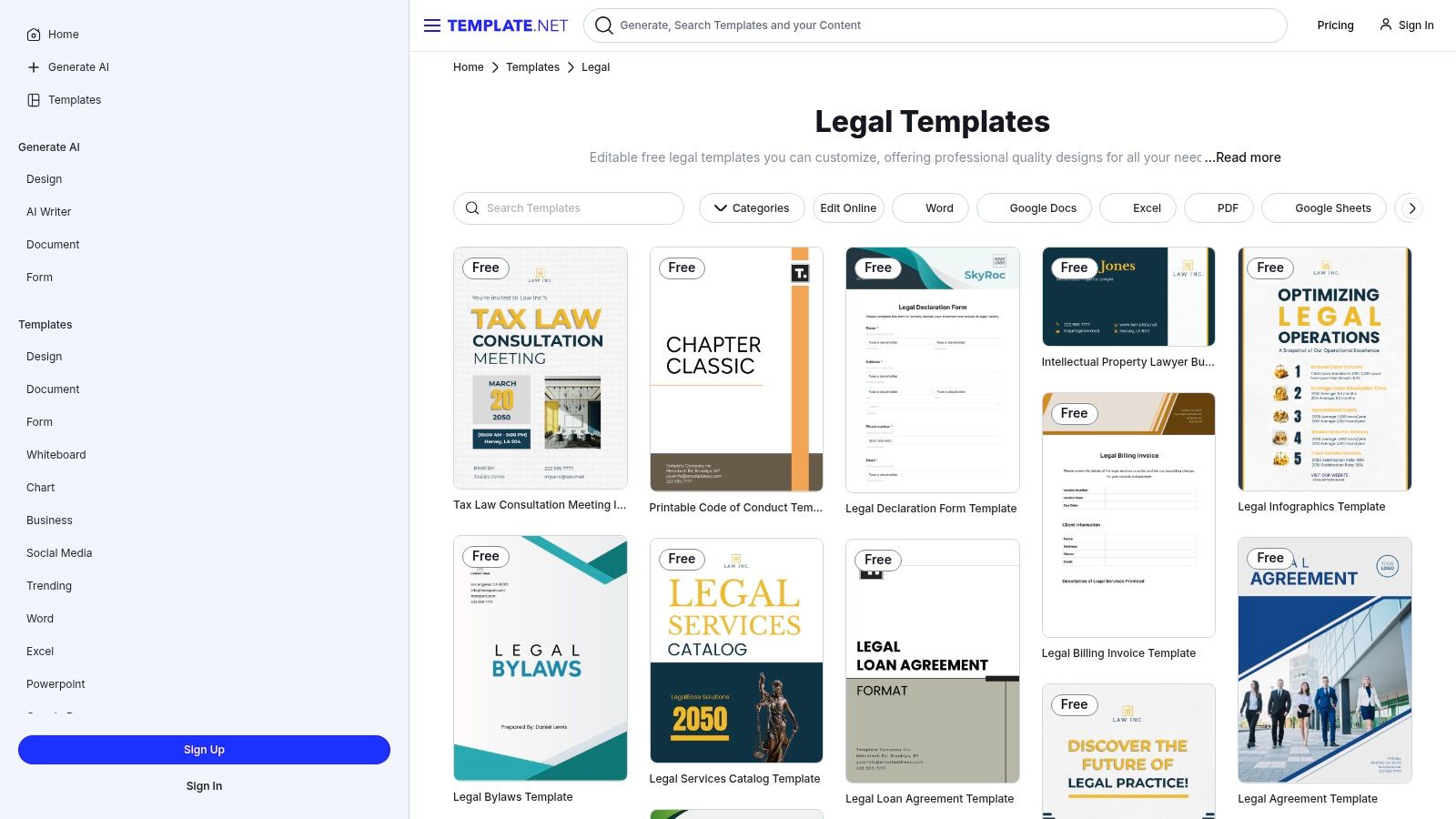
Now let’s take a deeper look at where LegalTemplates fits among these competitors.
1. Ease of Use
One of LegalTemplates’ strongest advantages is its simplicity.
Unlike some platforms that feel complex or overwhelming LegalTemplates uses a guided approach:
- Clear questions
- Simple interface
- No technical jargon
Verdict: One of the easiest platforms for beginners.
2. Speed
LegalTemplates focuses on quick document creation.
Users can generate documents in minutes without unnecessary steps.
Verdict: Faster than many competitors.
3. Pricing Advantage
Compared to platforms like LegalZoom or Rocket Lawyer LegalTemplates is often more affordable.
It avoids expensive consultations and focuses on DIY document creation.
- Verdict: Strong value for money.
4. Template Variety
LegalTemplates offers a wide range of documents including:
- Business contracts
- Lease agreements
- Personal legal forms
- Employment agreements
Verdict: Competitive with other platforms.
5. Limitations
While LegalTemplates excels in simplicity it does have some limitations:
No direct access to lawyers
Not ideal for complex legal situations
Verdict: Best for basic to moderate legal needs.
Key Features of LegalTemplates
Guided Document Builder
- Users answer simple questions and the platform builds the document automatically.
Customizable Templates
- Documents can be tailored based on your specific situation.
Instant Access
- No waiting—documents are available immediately after creation.
Multiple Categories
- Covers business real estate personal and more.
Real-World Use Cases
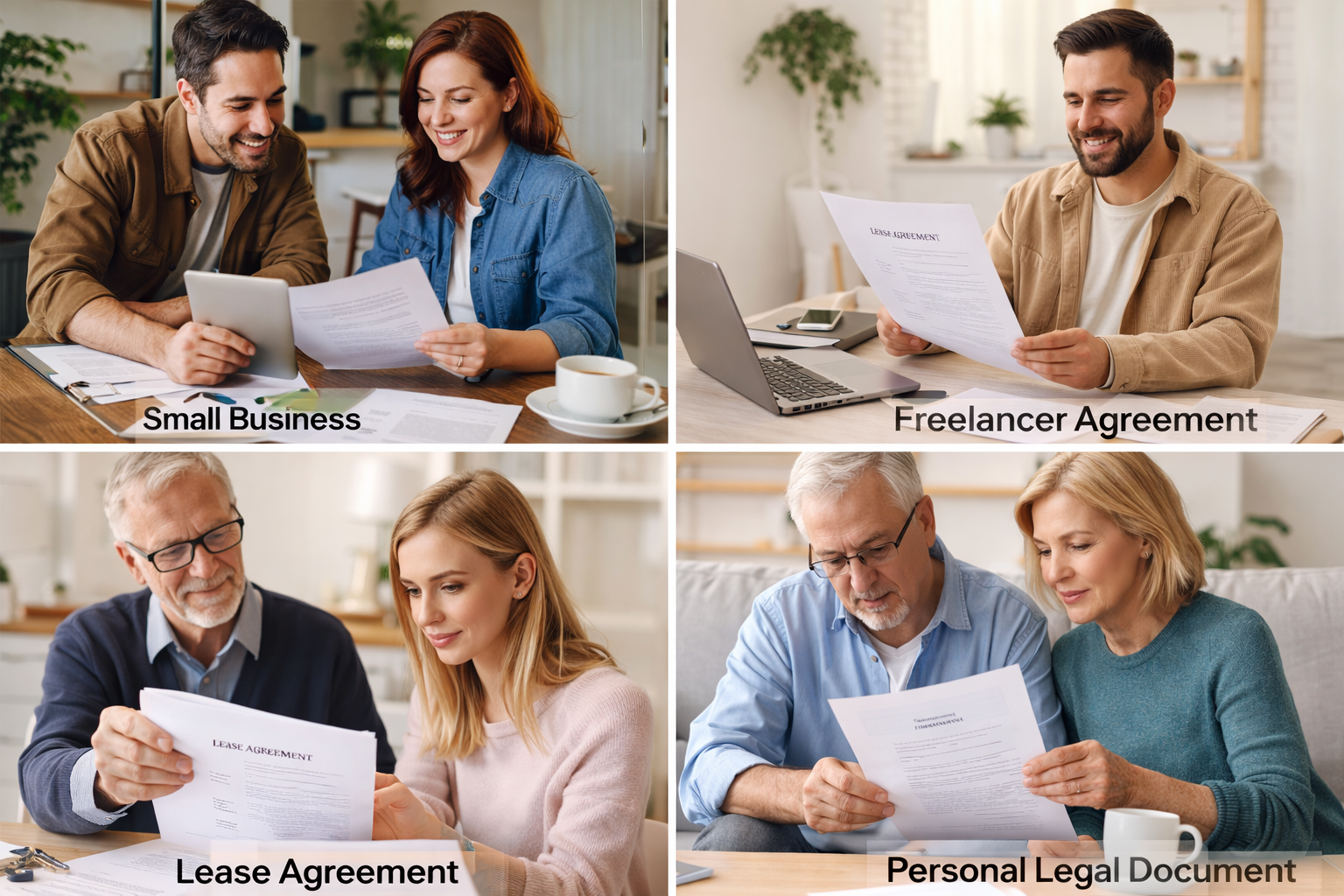
- Small Business Owners: Create contracts agreements and policies quickly.
- Freelancers: Draft client agreements and NDAs easily.
- Landlords: Generate lease agreements and rental contracts.
- Individuals: Create wills bills of sale and personal legal documents.
Benefits of Using LegalTemplates
- Saves Money: mAvoid high legal fees for basic documents.
- Saves Time: Create documents in minutes.
- Beginner-Friendly: No legal knowledge required.
- Flexible: Suitable for multiple use cases.
- Accessible Anywhere: Works online on any device.
LegalTemplates vs Alternatives (Detailed Comparison)
LegalTemplates vs LegalZoom
| Feature | LegalTemplates | LegalZoom |
|---|---|---|
| Pricing | Affordable | Higher |
| Ease of Use | Very easy | Moderate |
| Legal Advice | No | Yes |
| Speed | Fast | Slower |
Winner: LegalTemplates for simplicity and cost.
LegalTemplates vs Rocket Lawyer
| Feature | LegalTemplates | Rocket Lawyer |
|---|---|---|
| Subscription | Optional | Required |
| Legal Support | No | Yes |
| Ease of Use | Simple | Slightly complex |
Winner: Depends on needs (LegalTemplates for DIY Rocket Lawyer for legal help).
LegalTemplates vs DocuSign
| Feature | LegalTemplates | DocuSign |
|---|---|---|
| Document Creation | Strong | Limited |
| E-signature | Basic | Advanced |
| Use Case | Creation | Signing |
Winner: LegalTemplates for document creation.
Pricing and Value Overview
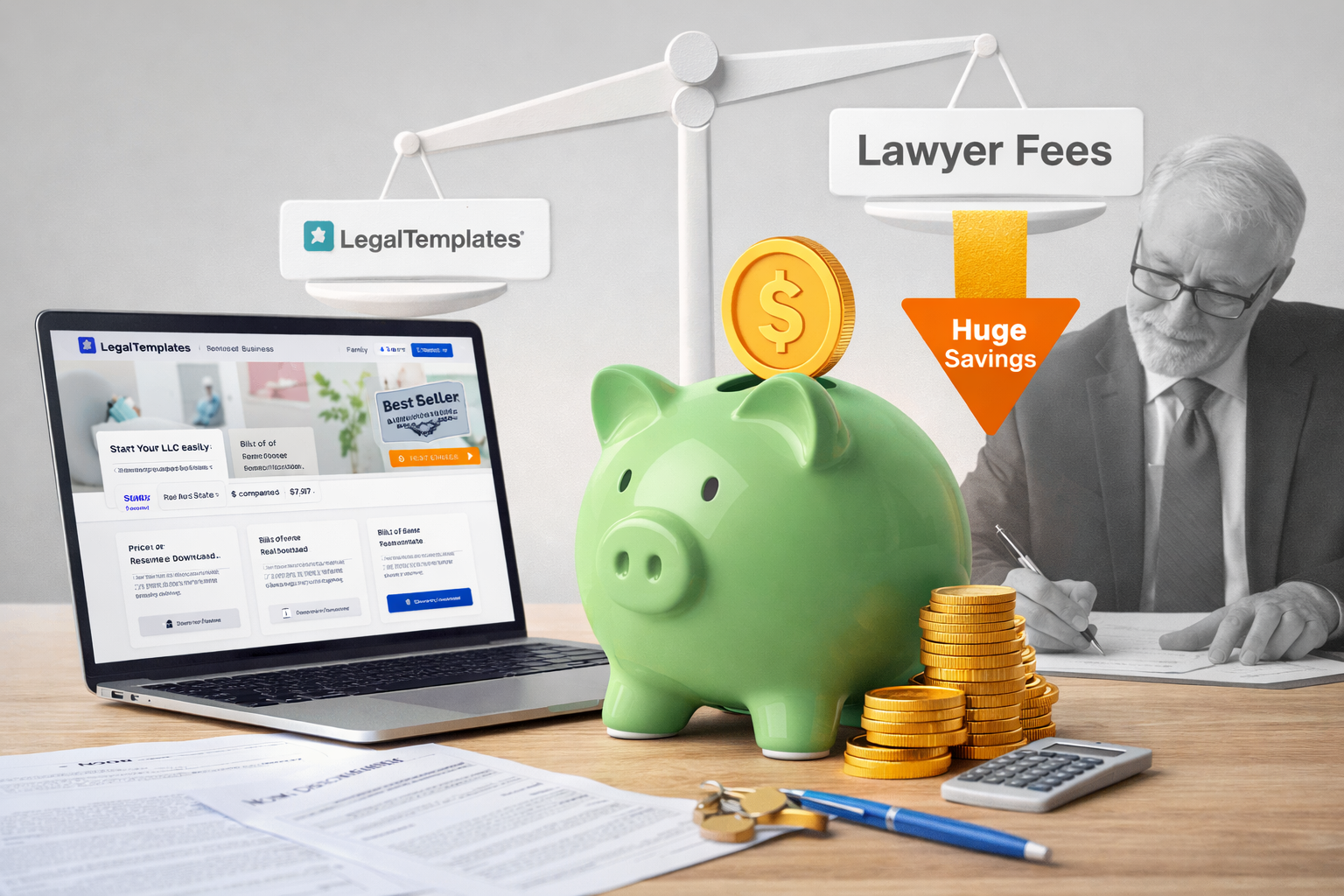
LegalTemplates offers flexible pricing options.
What You Pay For
- Access to templates
- Document customization
- Downloads
Value Perspective
Compared to hiring a lawyer LegalTemplates offers:
- Huge cost savings
- Faster turnaround
- Practical solutions for everyday needs
Who Gets the Best Value?
- Startups
- Freelancers
- Individuals
Pros and Cons
Pros
✔ Easy to use
✔ Affordable
✔ Fast document creation
✔ Wide range of templates
✔ Beginner-friendly
Cons
❌ Not suitable for complex legal cases
❌ No direct legal consultation
Who Should Use LegalTemplates?
Best For
- Small business owners
- Freelancers
- Landlords
- Individuals
Not Ideal For
- Complex legal disputes
- Corporate-level legal needs
Conclusion: Is LegalTemplates the Right Choice?
Online legal document services have made legal work more accessible than ever.
Among these platforms LegalTemplates stands out as a simple affordable and efficient solution for creating legal documents.
While it doesn’t replace professional legal advice for complex situations it excels at handling everyday legal needs quickly and cost-effectively.
If you’re looking for a platform that offers:
- Ease of use
- Fast results
- Affordable pricing
then LegalTemplates is definitely worth considering.
For most individuals and small businesses it provides a practical balance between convenience and functionality making it one of the best legal document services available today.
FAQs
1. Is LegalTemplates better than LegalZoom?
- It depends. LegalTemplates is more affordable and easier to use while LegalZoom offers legal consultations.
2. Are LegalTemplates documents legally valid?
- Yes when completed correctly they are designed to be legally valid.
3. Can beginners use LegalTemplates?
- Yes. It’s designed for users with no legal experience.
4. Does LegalTemplates include legal advice?
- No. It focuses on document creation not legal consultation.
5. Is LegalTemplates good for small businesses?
- Yes. It’s ideal for startups and small businesses needing contracts.
6. Can I edit documents after downloading?
- Yes most documents can be edited depending on the format.