
Is Qustodio Worth It? A Complete Parental Control Guide
Raising kids in the digital age comes with a unique set of challenges. From smartphones and tablets to social media and online gaming children today are more connected than ever before. While technology offers many benefits—learning opportunities creativity and communication—it also brings risks like excessive screen time exposure to inappropriate content and online safety concerns.
This is where parental control tools come into play.
One of the most popular solutions in this space is Qustodio a parental control app designed to help parents monitor manage and protect their children’s digital activities.
But with so many parental control apps available an important question remains:
Is Qustodio really worth it?
In this complete guide we’ll break down everything you need to know about Qustodio—how it works its features benefits pros and cons pricing and whether it’s the right choice for your family.
What Is Qustodio?
Qustodio is a parental control software that helps parents monitor and manage their children’s device usage.It works across multiple platforms including:
- Android
- iOS
- Windows
- macOS
- Chromebook
Qustodio allows parents to:
- Track screen time
- Block inappropriate content
- Monitor app usage
- Set usage limits
- Track location
- View online activity
The goal is simple: give parents visibility and control while helping kids develop healthy digital habits.
How Does Qustodio Work?
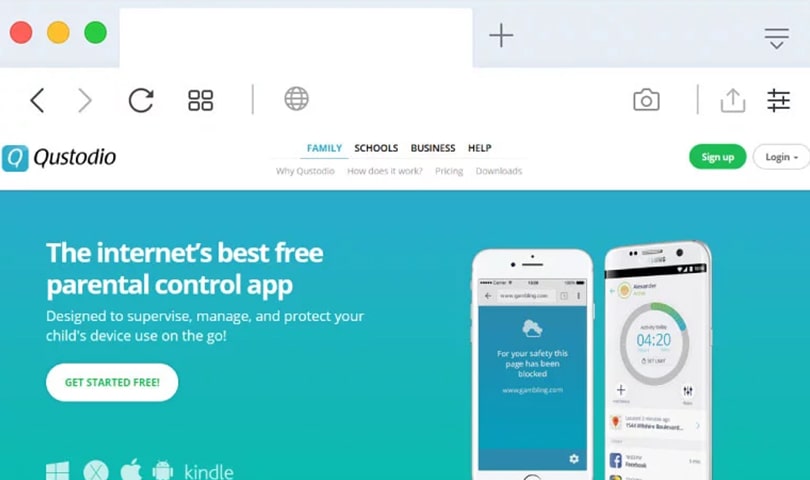
Qustodio works by installing the app on both the parent’s and the child’s devices.
Step-by-Step Overview
1. Install the App
- Parents install Qustodio on their device and their child’s device.
2. Set Up Profiles
You create a profile for each child and customize settings based on age and needs.
3. Monitor Activity
Qustodio tracks:
- Screen time
- App usage
- Browsing activity
4. Apply Controls
Parents can:
- Block apps
- Restrict websites
- Set time limits
5. Get Reports
You receive detailed reports about your child’s digital behavior.Everything is managed from a simple dashboard making it easy to control multiple devices.
Key Features of Qustodio
Qustodio offers a wide range of features designed for modern families.
1. Screen Time Control
One of Qustodio’s most useful features is screen time management.
You can:
- Set daily limits
- Schedule device-free times
- Block usage during bedtime
Helps children maintain a healthy balance between screen time and offline activities.
2. App Monitoring and Blocking
Qustodio shows which apps your child is using and for how long.
Parents can:
- Block specific apps
- Limit usage
- Monitor app activity
Useful for managing gaming social media and entertainment apps.
3. Web Filtering
Qustodio helps protect kids from inappropriate content.
It allows you to:
- Block harmful websites
- Filter categories (e.g. adult content gambling)
- Monitor browsing history
Ensures safer internet browsing.
4. Location Tracking
Qustodio includes GPS tracking so you can see your child’s location in real time.
Useful for:
- School commutes
- Travel safety
- Peace of mind for parents
5. Activity Reports
You get detailed insights into your child’s digital habits.
Reports include:
- Time spent on devices
- Most-used apps
- Browsing activity
Helps parents understand and guide behavior.
6. Calls & SMS Monitoring (Android)
On Android devices Qustodio can monitor:
- Call logs
- SMS messages
Adds another layer of visibility for parents.
7. Panic Button
Some versions of Qustodio include a panic button.
If your child feels unsafe they can send an alert to parents.
Enhances safety in real-life situations.
Benefits of Using Qustodio
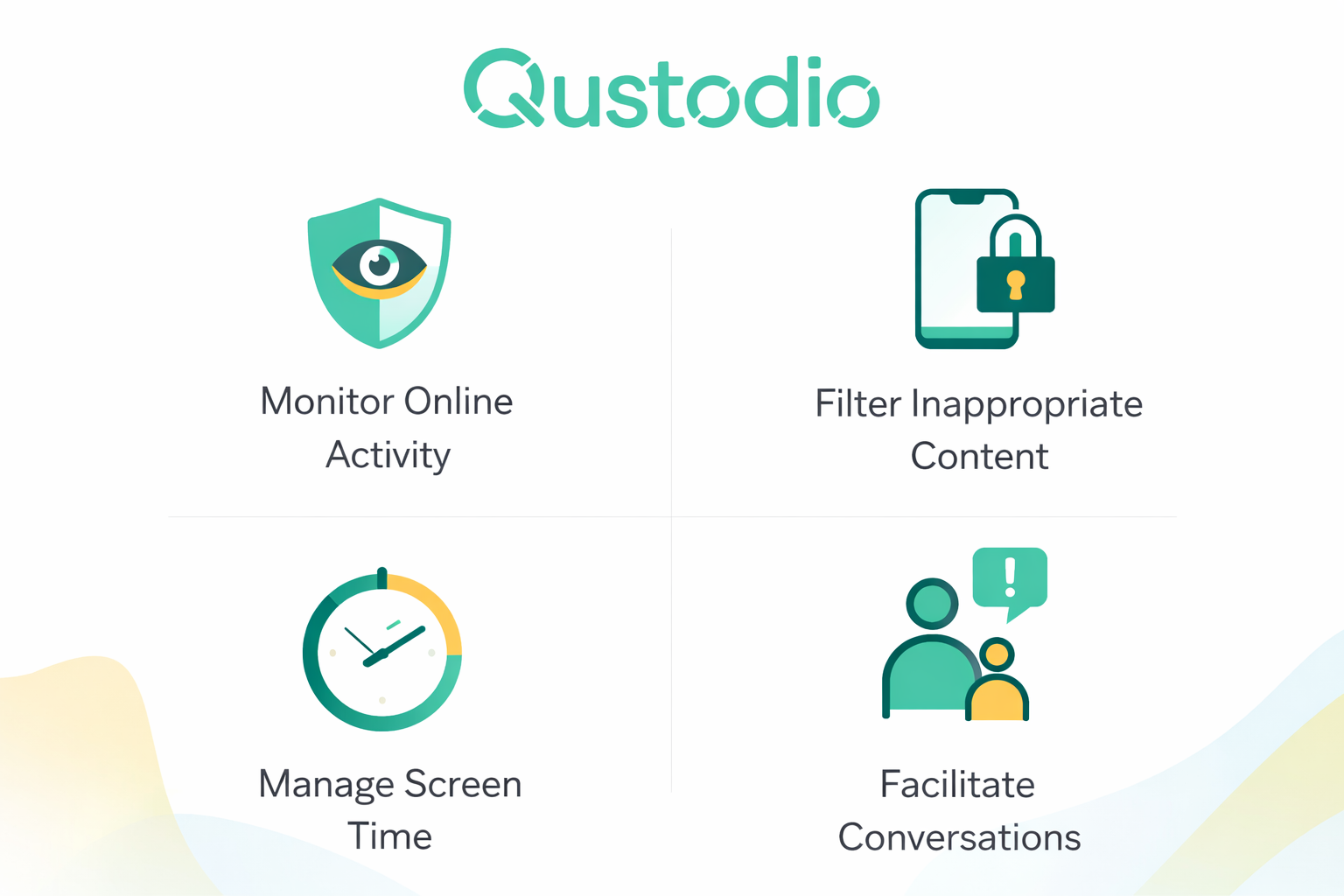
Let’s simplify why many parents choose Qustodio.
Peace of Mind
- Parents can feel confident knowing their children are protected online.
Better Screen Time Habits
- Children learn to use devices responsibly.
Improved Online Safety
- Blocks harmful content and reduces exposure to risks.
Easy to Use
- Qustodio is designed for non-technical users.
Works Across Devices
- You can manage multiple devices from one dashboard.
Real-Life Use Cases
1. Managing Screen Time
- Parents can limit gaming or social media usage during school days.
2. Protecting Younger Children
- Block inappropriate websites for younger kids.
3. Monitoring Teen Activity
- Keep track of app usage and online behavior.
4. Travel Safety
- Use location tracking to ensure your child’s safety when outside.
Pros and Cons of Qustodio
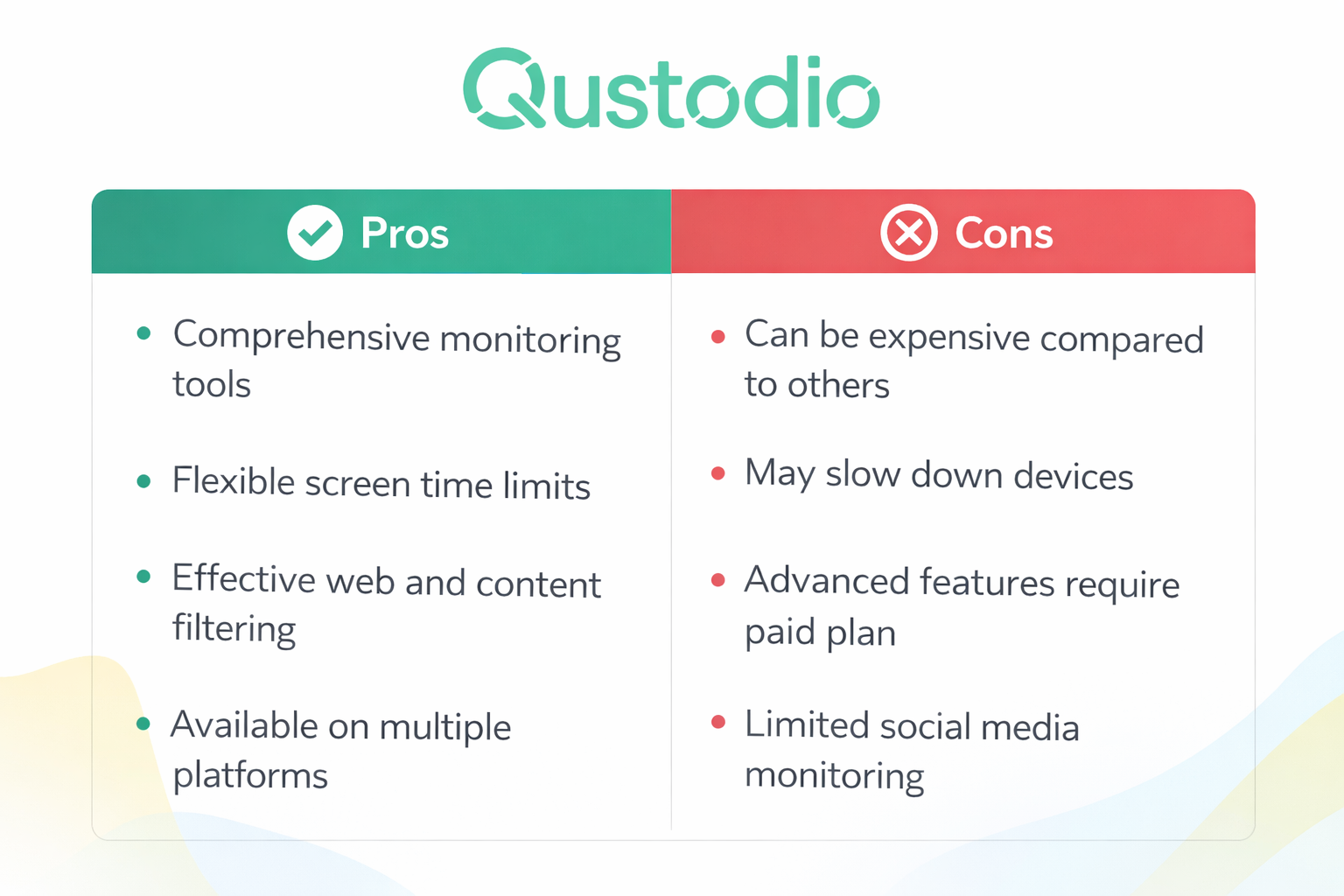
Pros
✔ Easy to use
✔ Strong screen time controls
✔ Detailed activity reports
✔ Multi-device support
✔ Web filtering for safety
✔ Location tracking
Cons
❌ Some features limited on iOS
❌ Advanced monitoring only on higher plans
❌ May feel restrictive to older children
Qustodio vs Alternatives
Let’s see how Qustodio compares to other parental control apps.
Qustodio vs Bark
Bark Pros
- Advanced social media monitoring
- Detects risky behavior
Qustodio Pros
- Better screen time controls
- Easier to use
Best for: Families wanting simple control and monitoring.
Qustodio vs Net Nanny
Net Nanny Pros
- Strong content filtering
Qustodio Pros
- Better interface
- More features in one platform
Best for: Balanced control and usability.
Qustodio vs Norton Family
Norton Family Pros
- Good value for families
Qustodio Pros
- More intuitive dashboard
- Better reporting
Best for: User-friendly experience.
Pricing and Value Overview
Qustodio offers both free and premium plans.
Free Plan
- Basic monitoring
- Limited features
Premium Plans
Premium plans include:
- Full screen time control
- App blocking
- Location tracking
- Advanced reporting
Pricing varies depending on:
- Number of devices
- Subscription duration
Is Qustodio Worth the Price?
For most families yes.
Qustodio offers strong value because it combines:
- Safety features
- Monitoring tools
- Ease of use
It can replace multiple tools in one platform.
Who Should Use Qustodio?
Qustodio is ideal for:
Parents of Young Children
- To block harmful content and control usage.
Families with Teenagers
- To monitor activity and encourage responsible behavior.
Busy Parents
- Who want simple tools to manage digital habits.
Multi-Device Households
- Families with multiple devices and children.
Tips for Using Qustodio Effectively
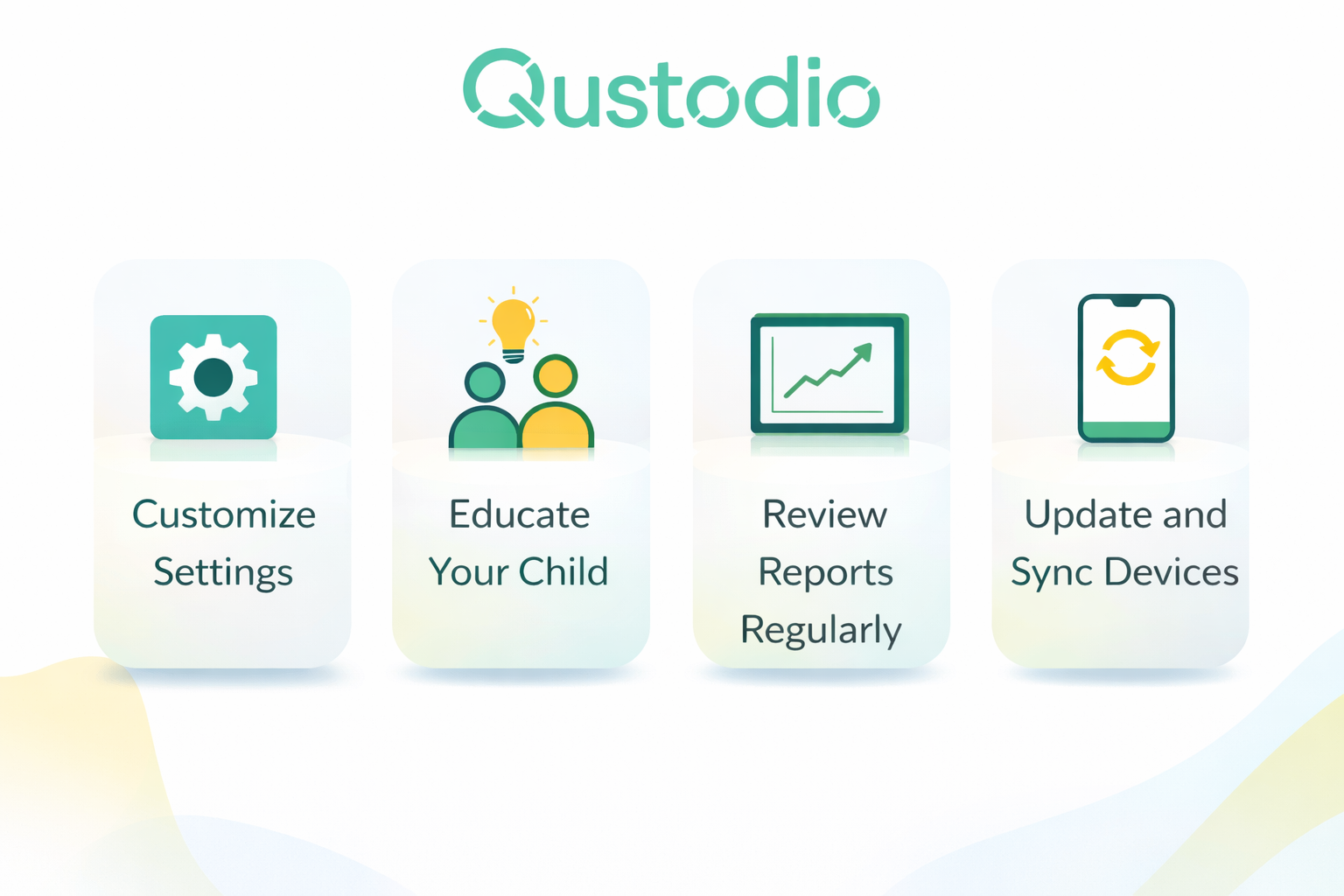
Set Clear Rules
- Explain to your child why monitoring is important.
Use It as a Guide Not Control
- Focus on teaching healthy habits not strict control.
Adjust Settings by Age
- Younger kids need more restrictions than teens.
Review Reports Regularly
- Stay informed about your child’s digital behavior.
Conclusion: Is Qustodio Worth It?
In today’s connected world managing your child’s digital life is more important than ever.
Qustodio provides a simple yet powerful way to:
- Monitor online activity
- Control screen time
- Protect children from harmful content
While no tool is perfect Qustodio strikes a strong balance between ease of use functionality and value.
If you’re looking for a reliable parental control app that helps you stay involved in your child’s digital life Qustodio is definitely worth considering.
FAQs
1. Is Qustodio safe to use?
- Yes. Qustodio is designed with security and privacy in mind.
2. Can Qustodio monitor social media?
- It tracks usage but does not deeply analyze content like some competitors.
3. Does Qustodio work on all devices?
- It supports most major platforms including Android iOS Windows and macOS.
4. Is Qustodio easy for beginners?
- Yes. It has a simple interface and easy setup.
5. Can kids bypass Qustodio?
- Qustodio includes protections but tech-savvy users may try to bypass controls.
6. Is the free version enough?
- The free version is basic. Premium plans unlock full features.