Planner 5D Review 2026: Features, Pricing, Pros & Cons
If you're planning to design your home renovate a room or simply experiment with interior layouts Planner 5D is one of the most popular online tools available today. With over 120 million users worldwide it has positioned itself as an easy-to-use yet powerful home design platform for beginners and hobby designers.
But is Planner 5D worth it in 2026?
In this detailed guide we’ll cover everything — features pricing advantages disadvantages and whether it’s the right tool for you.
What Is Planner 5D?
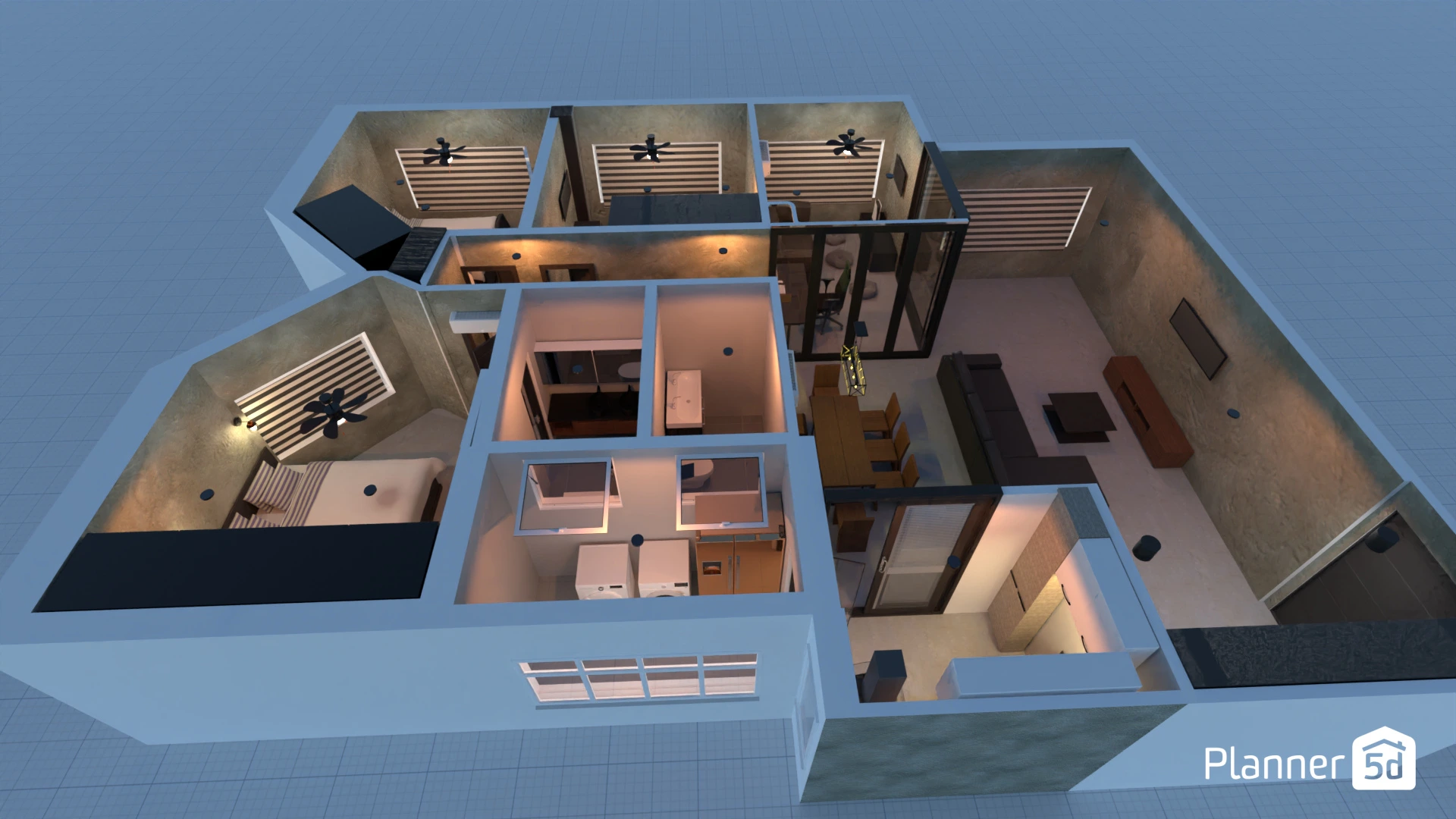
Planner 5D is a cloud-based home design software that allows users to create detailed 2D floor plans and transform them into realistic 3D designs. It works directly in your browser and is also available on desktop and mobile devices.You don’t need professional design skills or CAD experience to use it. The platform focuses on drag-and-drop simplicity making it accessible for homeowners students and beginner designers.
Key Features of Planner 5D
1. 2D and 3D Floor Plan Design
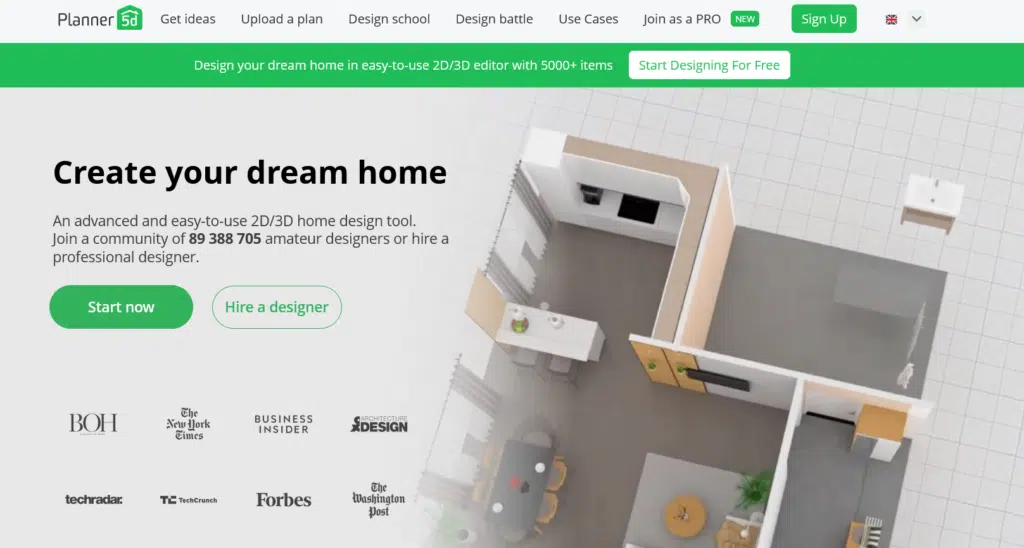
One of the biggest advantages of Planner 5D is the ability to switch between 2D and 3D views instantly. You can:
- Draw walls and partitions
- Adjust room sizes
- Add doors and windows
- See real-time 3D visualization
This helps users understand how their layout will look in real life before making changes physically.
2. Extensive Furniture & Decor Library
Planner 5D includes thousands of furniture items and decorative objects. Users can customize:
- Sofas beds cabinets
- Kitchen appliances
- Lighting fixtures
- Plants and decorative elements
Premium users unlock the full catalog while free users have limited access.
3. AI-Powered Design Tools
In recent updates Planner 5D introduced AI-assisted features that help:
- Recognize uploaded floor plans
- Generate automatic layouts
- Suggest furniture placements
This speeds up the design process significantly especially for beginners.
4. HD Rendering & Realistic Visualization
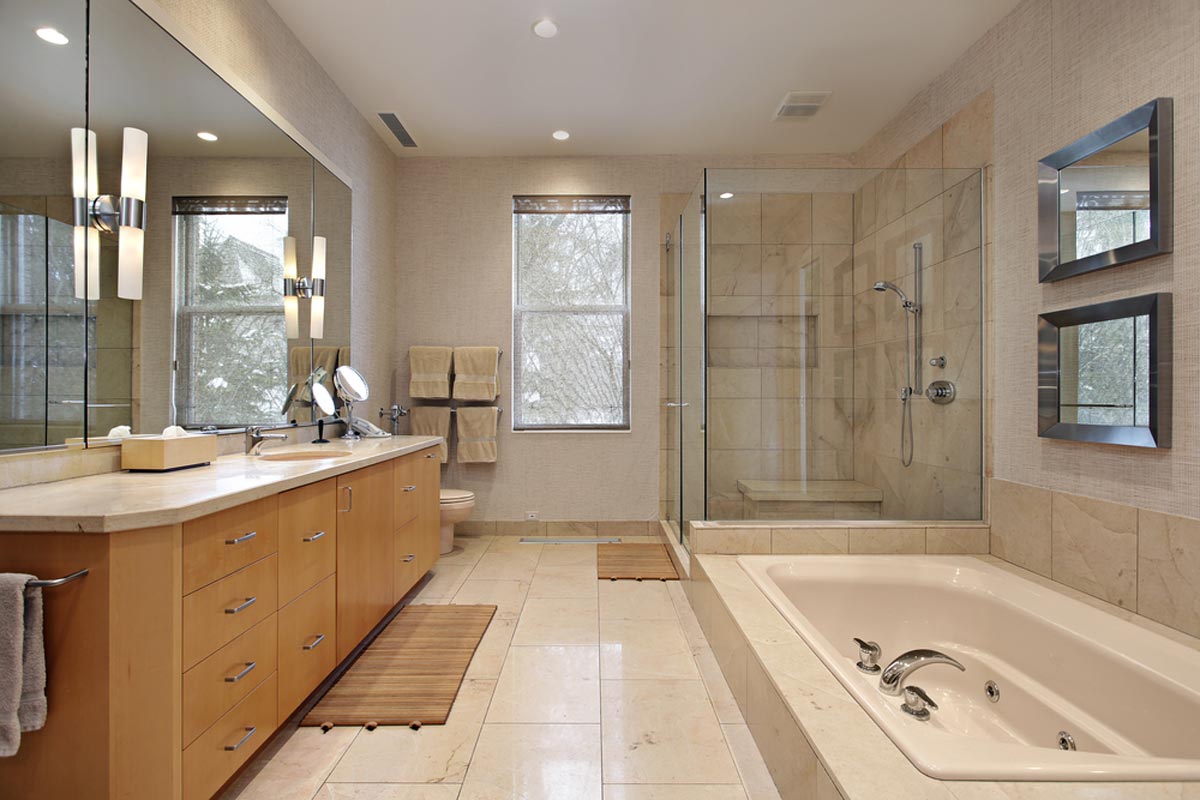
Users can generate high-quality 3D renderings and panoramic views of their designs. This feature is especially helpful for:
- Presenting ideas to family
- Showing concepts to clients
- Planning renovations
The rendering quality is one of the platform’s strongest selling points.
5. Cross-Platform Accessibility
Planner 5D works on:
- Web browsers
- Windows & macOS
- iOS & Android devices
Projects sync across devices allowing you to work from anywhere.
Planner 5D Pricing
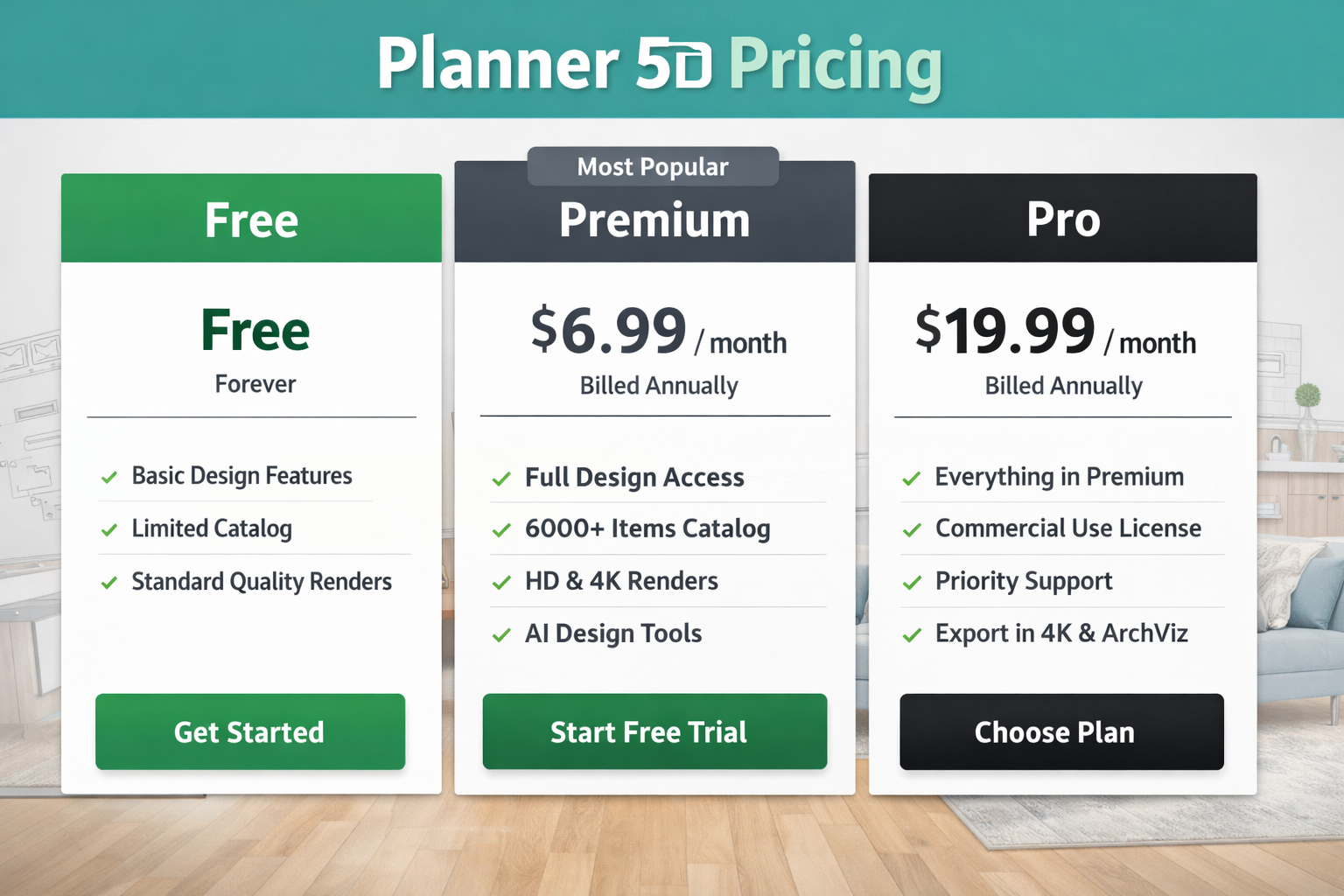
Planner 5D operates on a freemium model.
Here’s a clear pricing breakdown:
| Plan Type | Price | Features |
|---|---|---|
| Free Plan | $0 | Basic tools limited furniture standard 3D |
| Premium (Monthly) | Approx. $6.99/month | Full furniture library HD renders unlimited projects |
| Premium (Annual) | Approx. $49.99/year | Lower yearly cost full access |
| Team/Business | Custom Pricing | Collaboration tools advanced features |
Prices may vary slightly depending on region and platform.
Pros of Planner 5D
- Easy for Beginners: The interface is intuitive and requires no technical background.
- Strong 3D Visualization: Realistic rendering makes it easy to visualize your dream space.
- Affordable Compared to Professional Software: It costs significantly less than advanced CAD or architectural software.
- Works Across Devices: You can design on desktop and review on mobile seamlessly.
- Good for DIY Projects: Perfect for homeowners planning small renovations.
Cons of Planner 5D
- Free Version Is Limited: Many attractive furniture items and HD renders require a paid subscription.
- Not Professional-Grade CAD Software: Architects and advanced designers may find it too basic for technical drafting.
- Subscription Renewal Concerns: Some users report confusion regarding auto-renewals so it’s important to review billing details carefully.
- Performance on Older Devices: The 3D mode may lag on lower-end smartphones or computers.
Who Should Use Planner 5D?
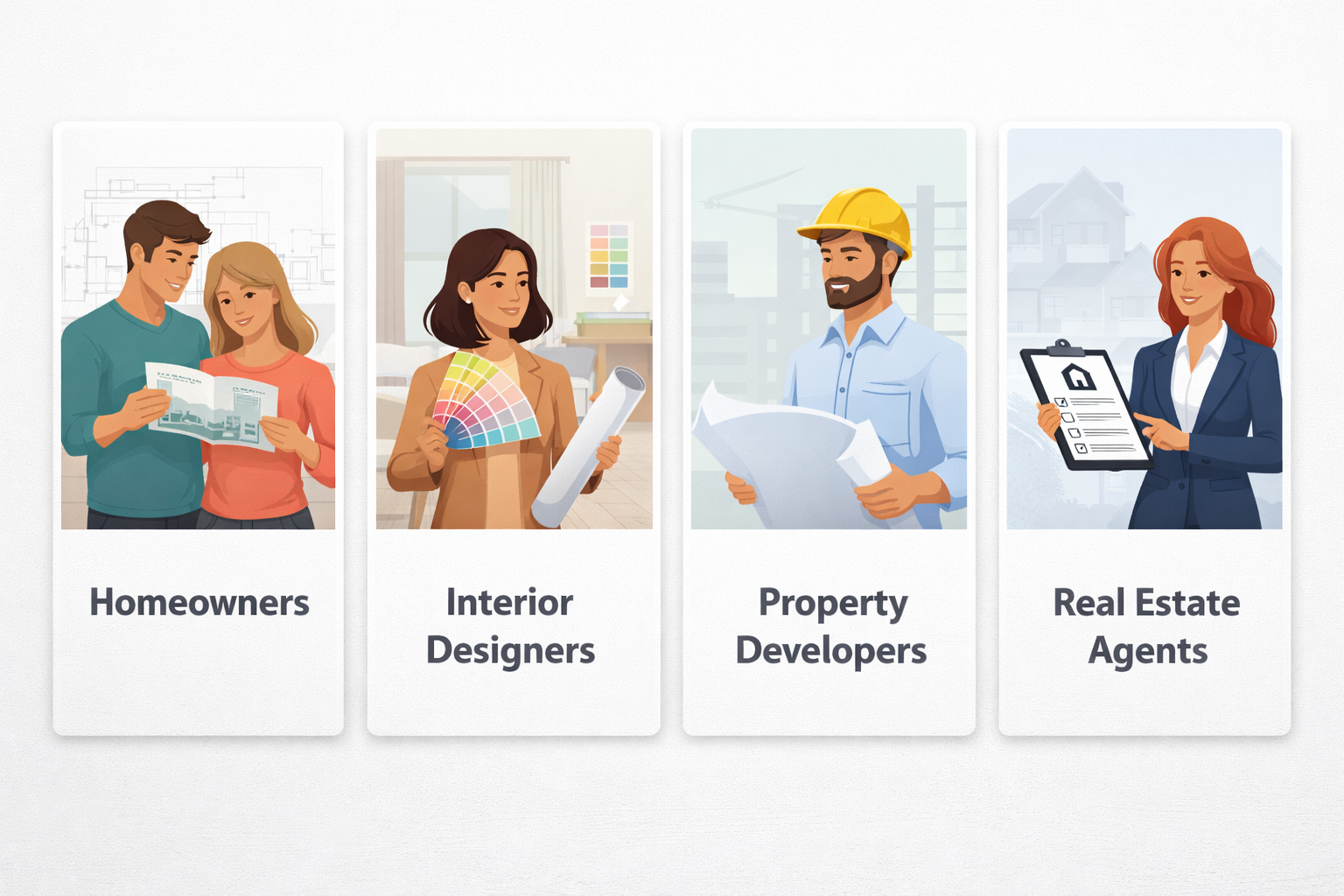
Planner 5D is ideal for:
- Homeowners planning renovations
- Interior design beginners
- Students working on design projects
- DIY enthusiasts
- Real estate staging concepts
It may not be ideal for
- Professional architects
- Engineers needing technical blueprints
- Advanced CAD users
Planner 5D vs Other Design Tools
Compared to traditional CAD software Planner 5D focuses more on simplicity and visualization rather than technical precision.
Compared to other beginner tools Planner 5D stands out because of:
- Better 3D rendering
- Larger furniture catalog
- AI-assisted layout tools
- Clean beginner-friendly interface
It balances ease of use and functionality better than many free alternatives.
Is Planner 5D Worth It in 2026?
Yes — for the right audience.
If you're looking for a user-friendly home design tool that allows you to visualize ideas quickly and affordably Planner 5D is a strong option.
It’s especially valuable for homeowners who want to:
- Experiment before renovating
- Plan furniture layouts
- Design rooms digitally
- Create visual presentations
However if you need advanced architectural blueprints or construction-level technical drawings you may need professional software instead.
Final Verdict
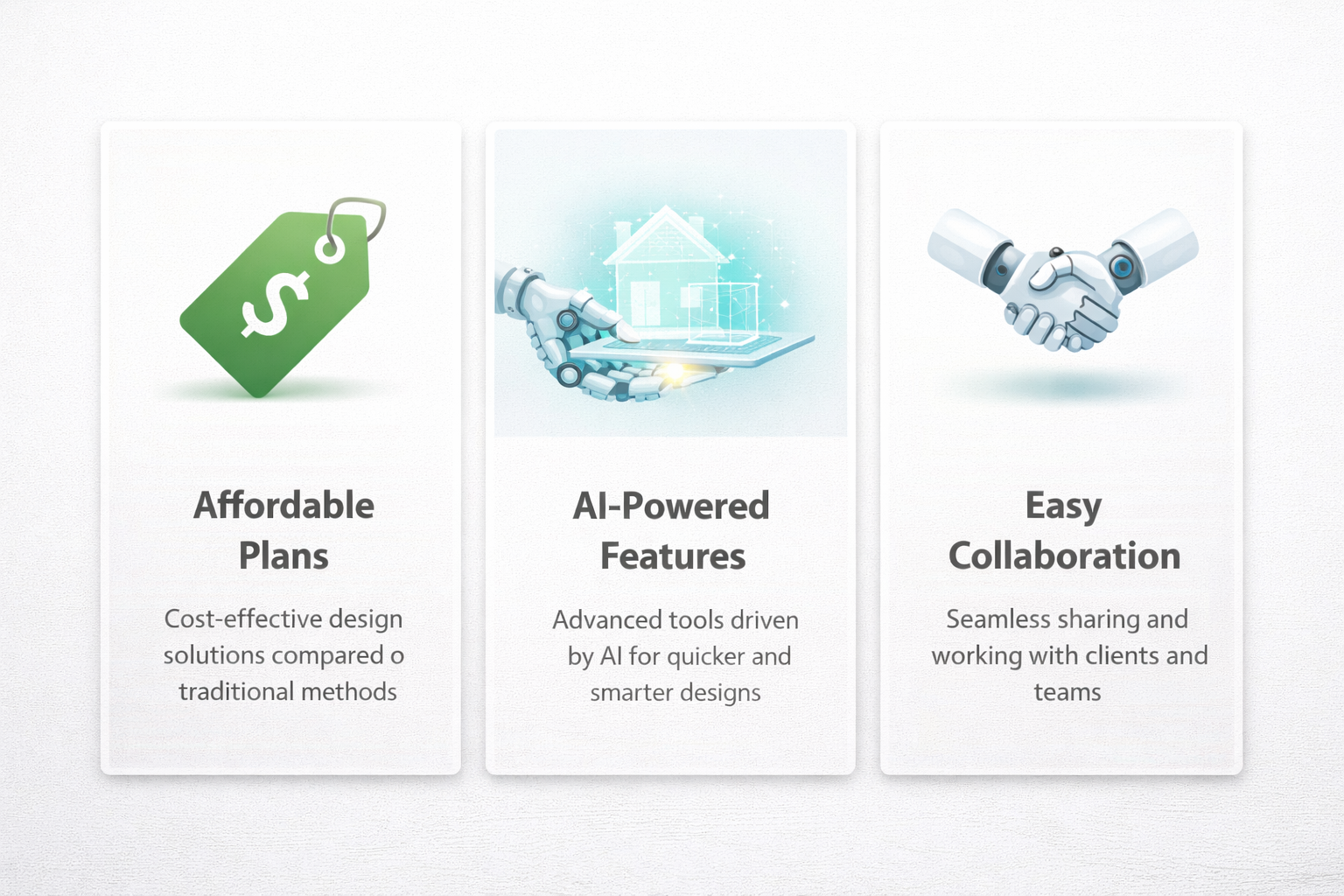
Planner 5D remains one of the best beginner-friendly home design platforms in 2026. It offers:
- Simple drag-and-drop design
- Strong 3D visualization
- AI-powered assistance
- Affordable premium pricing
For DIY interior planning and home visualization it delivers excellent value.