Planner 5D vs SketchUp vs HomeByMe: Complete Comparison + Pricing Guide
If you’re researching the best home design software in 2026 three platforms likely keep appearing: Planner 5D SketchUp and HomeByMe.
All three tools allow you to create floor plans design interiors and visualize spaces in 3D — but they serve very different audiences.
- Are you a homeowner planning a renovation?
- A student learning 3D modeling?
- A professional architect who needs precision?
- Or an interior designer creating client presentations?
This detailed 2026 comparison guide covers:
- Ease of use
- 2D floor planning tools
- 3D modeling flexibility
- Rendering quality
- Furniture libraries
- Pricing (2026 estimates)
- Pros and cons
- Who should choose each software
By the end you’ll know exactly which tool fits your needs and budget.
Quick Comparison Summary
Here’s the short version:
- Planner 5D → Best for beginners & DIY home projects
- SketchUp → Best for architects & advanced 3D modeling
- HomeByMe → Best for interior visualization & realistic renders
1. Ease of Use: Which Platform Is Most Beginner-Friendly?
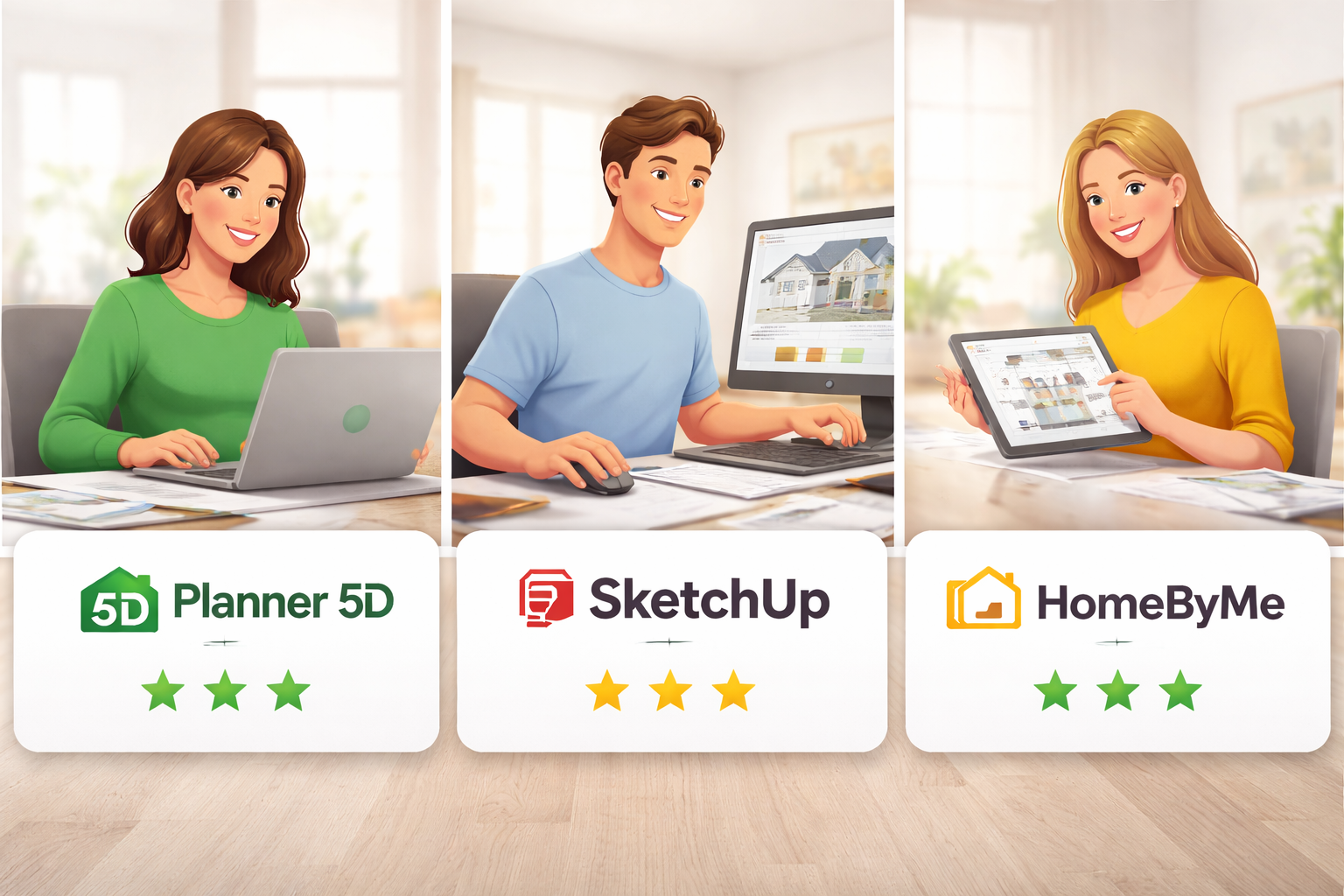
Planner 5D – Extremely Simple to Start
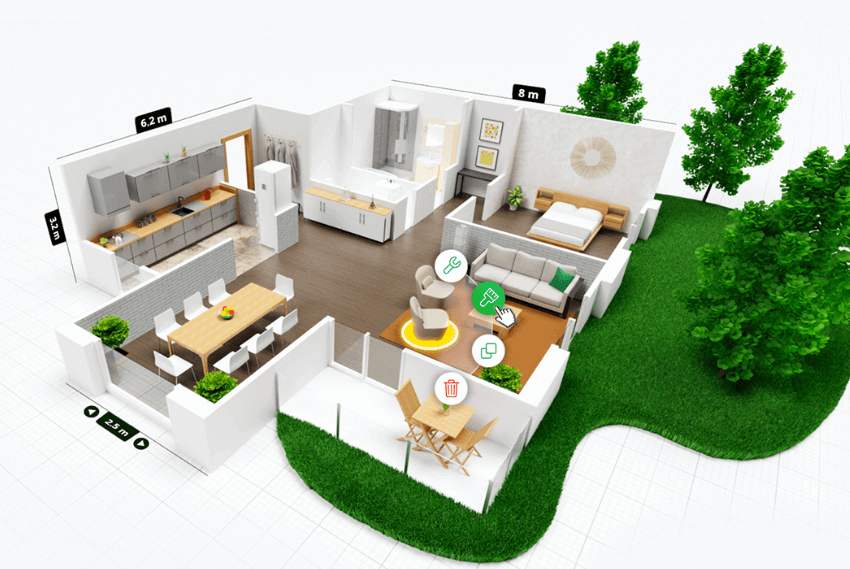
Planner 5D is designed for non-technical users. The interface is visual intuitive and largely drag-and-drop.You can:
- Draw walls in seconds
- Resize rooms easily
- Add doors and windows quickly
- Furnish rooms with one click
- Instantly switch between 2D and 3D
There’s very little learning curve. Even first-time users can create a basic layout within minutes.
- Ease of Use Rating: 9.5/10
Best for homeowners DIY renovators and beginners.
SketchUp – Powerful but Technical
SketchUp is widely used in architecture and construction but it requires more time to learn.
You’ll need to understand:
- 3D axes and spatial orientation
- Push/Pull modeling
- Groups and components
- Layers and scenes
- Extensions and plugins
The web version is simplified but the full desktop experience is much more advanced.
- Ease of Use Rating: 6.5/10
Best for professionals or users willing to invest time learning.
HomeByMe – Structured & Guided
HomeByMe sits between the two.
It offers:
- Step-by-step room creation
- Easy layout editing
- Simple furnishing tools
- Guided rendering process
It’s more structured than [ but less technical than SketchUp.
- Ease of Use Rating: 8/10
Ideal for interior-focused users who want realism without complexity.
2. 2D Floor Planning Capabilities
All three platforms allow 2D floor plan design but their focus differs.
- Quick wall drawing
- Basic measurement controls
- Real-time 3D conversion
- Ideal for simple residential layouts
Great for homeowners planning renovations or new room layouts.
SketchUp
- Precise dimension input
- Detailed structural modeling
- Professional drafting accuracy
- Custom shapes and structures
Best for architectural and construction-level planning.
HomeByMe
- Guided floor plan creation
- Clean layout interface
- Suitable for apartments and homes
- Limited structural complexity
Best for interior planning rather than engineering.
3. 3D Modeling & Flexibility
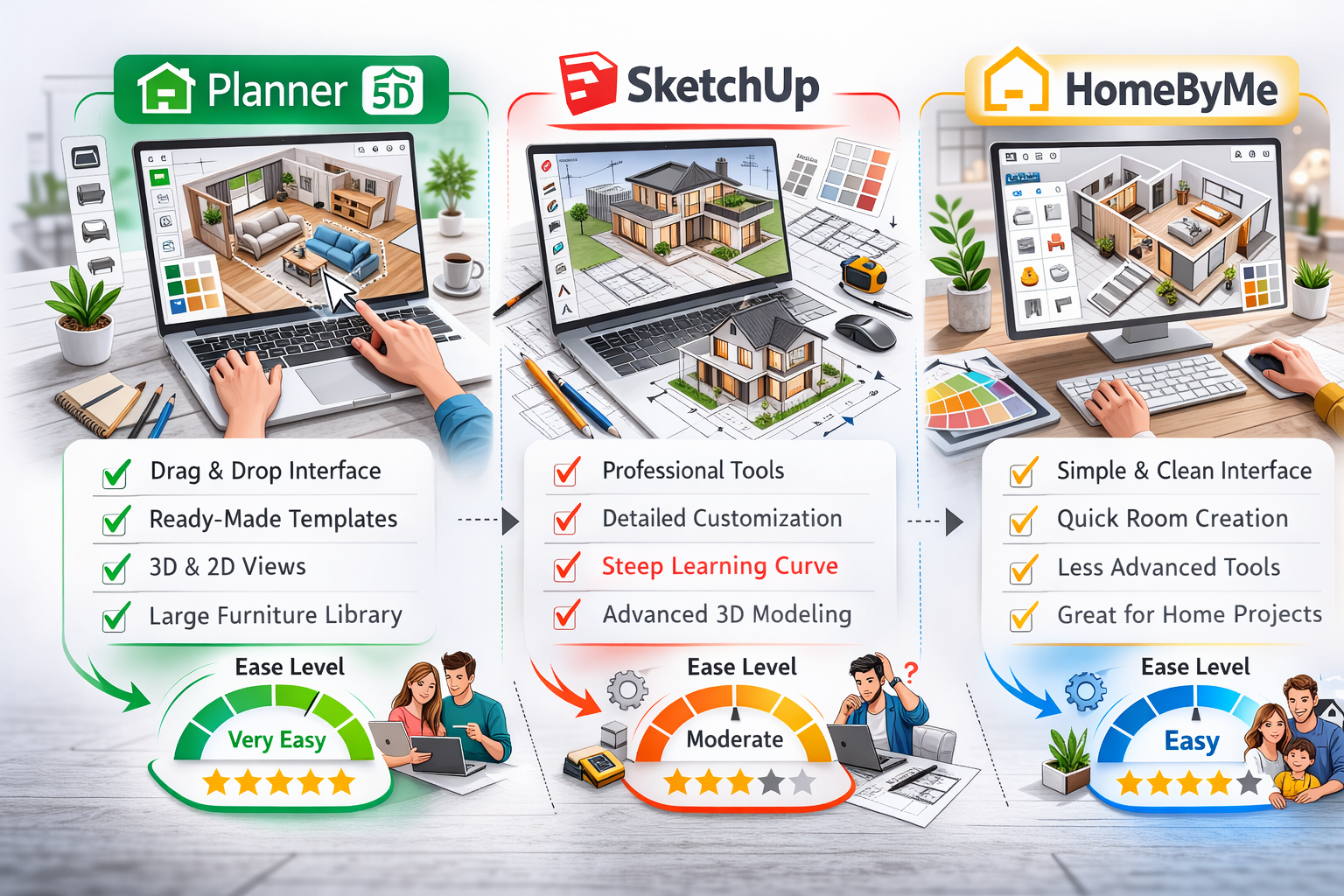
This is where the biggest differences appear.
SketchUp – Advanced 3D Control
SketchUp is globally recognized for its modeling power.
You can:
- Build completely custom objects
- Design complex architectural forms
- Modify detailed elements
- Import/export CAD files
- Use professional extensions
It offers near-unlimited flexibility — if you know how to use it.
Planner 5D – Fast 3D Visualization
Planner 5D focuses on speed and simplicity.
- One-click 3D switching
- Realistic previews
- AI-assisted layout suggestions
- Easy customization
It’s excellent for visualizing spaces but not for deep structural modeling.
HomeByMe – Interior-Focused 3D
HomeByMe emphasizes visual presentation.
- Pre-built furniture models
- Balanced lighting effects
- Clean interior views
- Limited structural editing
Strong for showcasing design concepts less so for engineering precision.
4. Rendering & Visual Quality
If you care about realistic images this section matters.
- HD rendering in premium plans
- Panorama views
- Walkthrough mode
- Good lighting simulation
Offers strong value for cost.
SketchUp
Rendering depends on plugins such as V-Ray or Enscape.
Without plugins:
- Basic visuals
With plugins:
- Professional photorealistic renders
However these plugins often require additional payment.
HomeByMe
One of the strongest built-in rendering systems among beginner-friendly tools.
- High-quality interior visuals
- Real-brand furniture assets
- Client-ready presentations
Excellent for decorators and presentation-focused users.
5. Furniture & Object Library
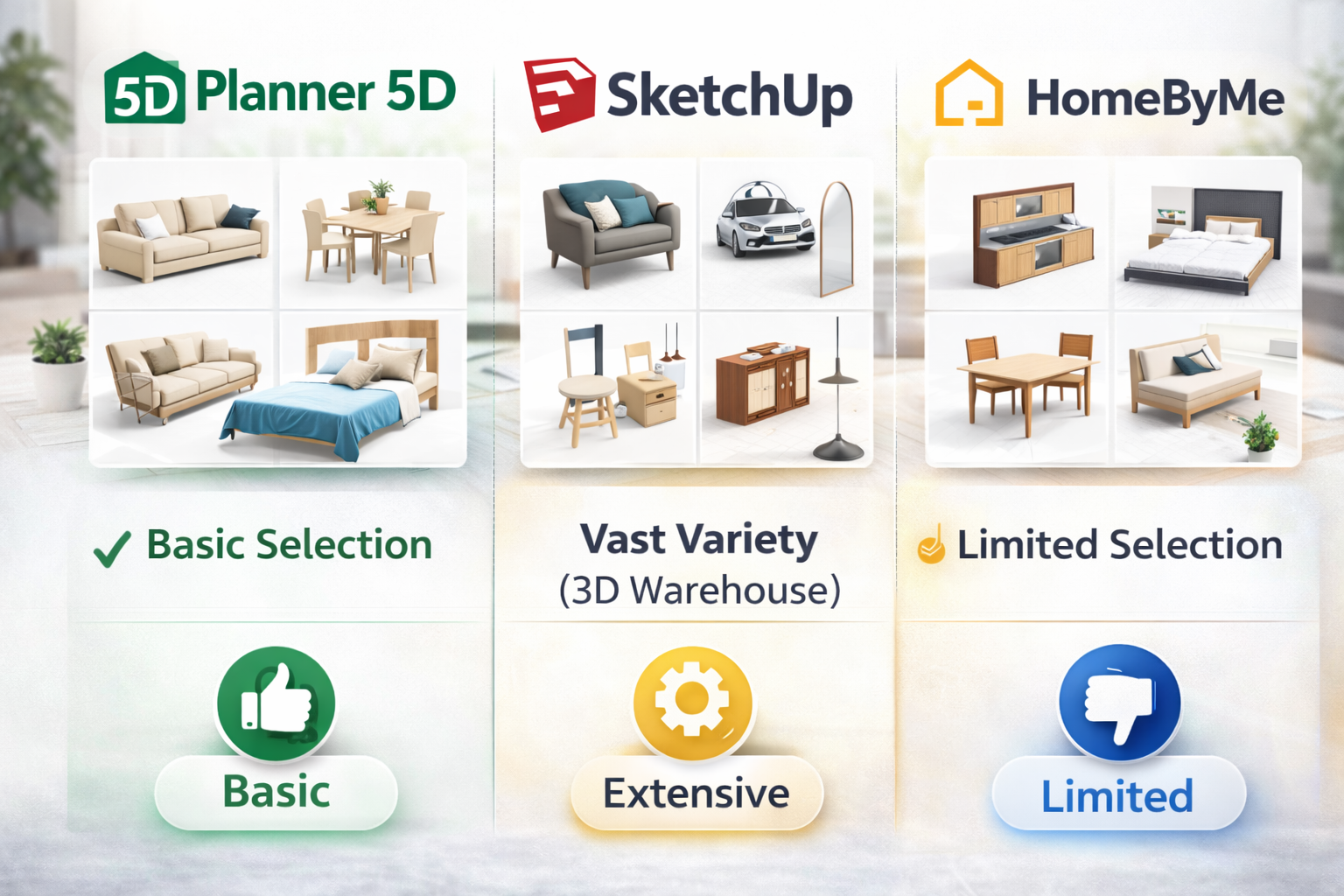
Planner 5D
- Thousands of objects
- Full catalog unlocked in premium
- Customization options
- Regular updates
Great for experimenting with home décor ideas.
SketchUp
- Limited built-in items
- Access to 3D Warehouse
- Strong structural models
- Requires manual downloads
Better for structural modeling than décor inspiration.
HomeByMe
- Real furniture brands
- Modern interior styles
- Presentation-ready assets
Very appealing for interior designers and stylists.
6. Pricing Comparison (2026)
Below are estimated 2026 pricing ranges:
| Software | Free Version | Paid Plan Starting Price |
|---|---|---|
| Planner 5D | Yes | ~$6.99/month or ~$49.99/year |
| SketchUp | Yes (Web) | ~$119/year (Go Plan) |
| HomeByMe | Yes | Credit-based or subscription |
Pricing Summary
- Most affordable → Planner 5D
- Mid-range → HomeByMe
- Most expensive → SketchUp (especially Pro plans + plugins)
For budget users Planner 5D offers strong value.
7. Performance & Compatibility
Planner 5D
- Web-based platform
- iOS & Android apps
- Works on Windows & macOS
- Cloud synchronization
Highly flexible across devices.
SketchUp
- Web version available
- Desktop Pro version
- Higher system requirements
- Best on powerful computers
Better suited for professional hardware setups.
HomeByMe
- Fully browser-based
- Works on most modern systems
- Rendering may take time
Convenient for casual users.
8. Pros & Cons Overview
Pros
- Beginner-friendly
- Affordable pricing
- Cross-platform access
- Fast 3D visualization
- AI tools included
Cons
- Limited advanced modeling
- Premium catalog locked behind paywall
SketchUp
Pros
- Professional-grade modeling
- Highly customizable
- Industry-recognized software
- Strong extension ecosystem
Cons
- Steeper learning curve
- Higher overall cost
- Rendering requires paid plugins
HomeByMe
Pros
- Realistic interior renders
- Brand-name furniture
- Easy workflow
- Good for client presentations
Cons
- Limited architectural flexibility
- Rendering credits may increase cost
9. Who Should Choose Which Software?
Choose Planner 5D If:
- You are a homeowner redesigning rooms
- You want simple drag-and-drop tools
- You’re planning renovations
- You prefer affordable software
- You don’t need construction blueprints
Choose SketchUp If:
- You’re an architect or engineer
- You need high modeling precision
- You work on commercial or structural projects
- You want full customization
Choose HomeByMe If:
- You focus on interior design
- You create client presentations
- You want photorealistic room visuals
- You prefer a guided workflow
10. Final Verdict: Which Is Best in 2026?
There is no universal winner — it depends entirely on your goal.
For most homeowners and beginners Planner 5D offers the best mix of simplicity affordability and strong visualization tools.
For professionals who require accuracy and deep modeling control SketchUp remains the top choice.
For interior designers who prioritize realistic visuals and presentation quality HomeByMe stands out.
Conclusion
Choosing the right home design software in 2026 depends on:
- Your experience level
- Your project complexity
- Your budget
- Your end goal (visualization vs precision)
If you want fast beginner-friendly design → Planner 5D
If you want professional modeling tools → SketchUp
If you want high-end interior visuals → HomeByMe
Each platform excels in its own category — your ideal choice depends on how you plan to use it.