
Transform the Way You Work and Connect with Zoom: A Complete Guide to Modern Communication
The way people communicate and collaborate has changed significantly in recent years. Businesses operate across different locations employees work remotely or in hybrid environments and individuals increasingly depend on digital tools to stay connected. Having a reliable platform for meetings conversations and teamwork is now an essential part of everyday life. Zoom has become a recognised name in this space offering communication and collaboration solutions designed for individuals businesses educational institutions and organisations.
More than just a video conferencing application Zoom provides a connected platform that brings together meetings team messaging phone services webinars and productivity tools. Whether you are attending a virtual meeting organising an online training session or collaborating with colleagues across different time zones Zoom helps make communication more convenient.
Experience Seamless Video Meetings
Video conferencing has become an important part of modern communication. It allows teams to discuss projects conduct interviews meet clients and maintain personal connections without being in the same physical location.
Zoom Meetings provides a platform for hosting and joining virtual meetings through computers smartphones and supported devices. Participants can communicate through video and audio share their screens and use meeting chat to exchange information.
The platform also includes features such as virtual backgrounds meeting controls waiting rooms and breakout rooms. These tools help hosts organise discussions and create more structured meeting experiences.
For businesses video meetings can reduce the need for frequent travel while making it easier to connect with remote employees and clients. Students and educators can also use Zoom to support online classes group discussions and virtual learning sessions.
Improve Team Collaboration with Zoom Workplace
Effective teamwork requires more than occasional video calls. Teams need ways to share information coordinate tasks and communicate throughout the working day.

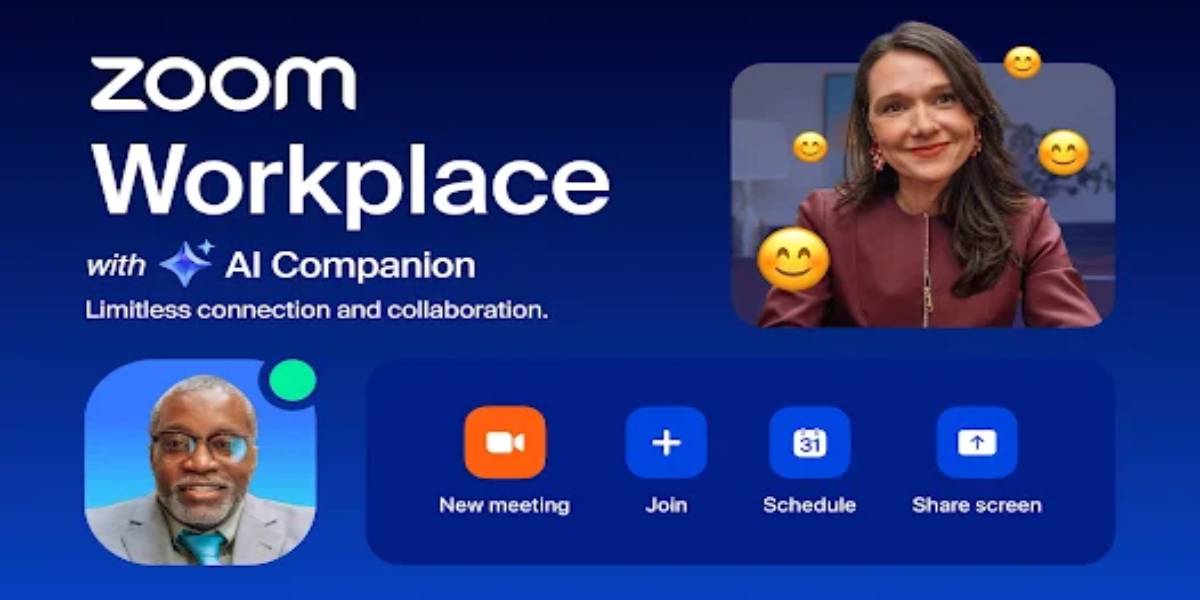
Zoom Workplace brings together several collaboration tools within one platform. Depending on the plan and available features users can access meetings team chat phone capabilities scheduling and other productivity solutions.
Zoom Team Chat allows colleagues to communicate through individual messages and group conversations. Teams can share files discuss ongoing projects and maintain conversations without scheduling a formal meeting every time a question arises.
This can be particularly useful for organisations with distributed teams where employees may be working from different offices cities or countries. Bringing communication tools together can help reduce the need to switch between multiple applications.
Make Meetings More Productive with AI Companion
Artificial intelligence is changing the way people manage information and complete everyday tasks. In professional environments AI-powered tools can help users organise discussions summarise information and reduce repetitive work.
Zoom AI Companion is designed to support productivity across supported Zoom experiences. Depending on the subscription and feature availability it can assist with tasks such as meeting summaries action items questions about meeting discussions and drafting messages.
For example after a lengthy meeting an AI-generated summary can help participants review important discussion points and identify follow-up actions. This can be particularly valuable for people who attend several meetings throughout the day.
AI Companion can also help teams spend less time managing routine communication and more time focusing on meaningful work. Features and usage limits vary by plan so users should review the latest product details before choosing a subscription.
Host Professional Webinars and Online Events
Virtual events have become an effective way for businesses educators and creators to reach audiences beyond traditional physical venues.
Zoom Webinars provides tools for hosting online presentations product demonstrations training sessions and larger virtual events. Hosts can manage presenters control audience participation and use interactive features such as polls and Q&A depending on the selected plan.
Webinars can be particularly useful for organisations launching new products sharing industry knowledge or providing educational sessions to customers and employees.
For businesses online events can help expand audience reach while reducing some of the logistical requirements associated with in-person gatherings. Participants can join from different locations making it easier to connect with a wider audience.
Simplify Business Communication with Zoom Phone
Communication with customers suppliers and colleagues often requires more than video meetings. Traditional business phone services continue to play an important role in customer support and everyday operations.
Zoom Phone is a cloud-based phone solution that helps businesses manage voice communication through the Zoom platform. It offers business calling capabilities and can support teams that need a flexible communication system.
Depending on the selected plan and configuration businesses can access features such as call routing voicemail call management and integrations with other workplace tools.
For companies with remote or hybrid employees cloud-based phone services can make it easier to manage business calls across different locations. Organisations can also explore how Zoom Phone fits into their existing communication infrastructure before making a transition.
Support Remote and Hybrid Working
Flexible working arrangements have become an important part of many organisations. Employees may work from home visit an office occasionally or collaborate with colleagues based in other countries.
Zoom offers tools designed to support these different working environments. Meetings help teams communicate face to face Team Chat supports everyday conversations and other workplace solutions help organisations manage their communication needs.
Zoom Rooms can also support conference room experiences by connecting meeting spaces with remote participants. This helps create more consistent collaboration between employees working in offices and those joining virtually.
For businesses managing hybrid teams having a connected communication platform can make it easier to maintain regular discussions share updates and coordinate work.
Enhance Online Learning and Education
Digital communication tools have opened new opportunities for educational institutions teachers and students. Online classrooms can support remote lessons tutoring workshops and group learning activities.
Zoom provides features that educators can use to create interactive virtual learning experiences. Screen sharing allows instructors to present lessons while breakout rooms can support smaller group discussions and collaborative activities.
Meeting recordings where enabled and permitted can also help students revisit important explanations and review course material.
For educational institutions Zoom can support communication between teachers students and parents while helping extend learning opportunities beyond the traditional classroom.
Connect Zoom with Your Existing Business Tools
Businesses often depend on multiple applications to manage projects customer relationships schedules and daily operations. Connecting communication software with existing systems can help create more efficient workflows.
Zoom offers integrations with selected productivity calendar and business applications. These integrations can help users schedule meetings manage invitations and connect communication activities with tools they already use.
For example calendar integrations can make it easier to organise meetings while supported workplace integrations can help teams access Zoom features within familiar applications.
Organisations should review compatibility security requirements and available integrations when planning how Zoom will fit into their existing technology environment.
Choose a Plan That Matches Your Requirements
Different users have different communication needs. An individual who occasionally joins online meetings may require only basic functionality while a growing business may need advanced administration larger meeting capacity and additional collaboration tools.
Zoom offers different plans and products for individuals small businesses and larger organisations. Available options may include free access with certain limitations paid meeting plans phone services webinars and broader workplace solutions.
Before subscribing consider how many people will use the platform how frequently meetings will take place and which features are essential. Reviewing participant limits meeting durations storage options and AI feature availability can help you choose a suitable plan.
Final Thoughts
Modern communication requires tools that make it easier to connect collaborate and share information across different locations. Zoom brings together video meetings team messaging business phone services webinars and AI-powered productivity features in a connected platform.
Whether you are an individual organising virtual meetings a teacher conducting online classes or a business managing a hybrid workforce Zoom offers solutions for a wide range of communication requirements.
By choosing the right tools and plan users can create more organised workflows and make everyday collaboration more convenient.