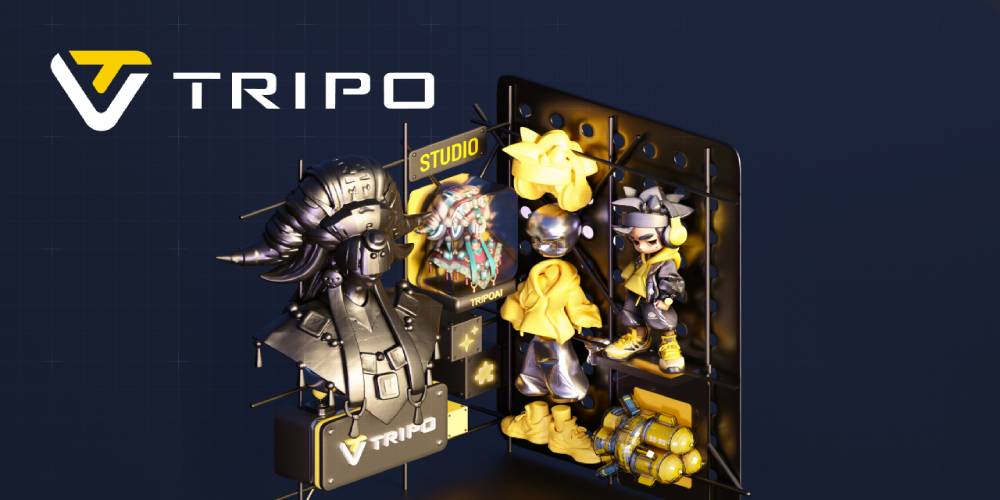
Tripo AI: Turn Ideas and Images Into 3D Models With AI
Creating a 3D model traditionally requires specialized software technical skills and often hours of manual work. From building geometry and applying textures to preparing a model for animation or a game engine the process can be challenging for beginners and time-consuming for experienced creators.
Tripo AI is designed to simplify that process by using artificial intelligence to turn text prompts images sketches and multi-view references into 3D models. The platform combines 3D generation with tools for texturing segmentation retopology rigging animation and exporting creating a workflow that can support projects from initial idea to usable 3D asset.
What Is Tripo AI?
Tripo AI is an online AI-powered 3D creation platform that allows users to generate three-dimensional assets without needing to build every element manually.
Users can start with a written description photograph illustration sketch or multiple reference images. Tripo then uses AI to generate a corresponding 3D model. The platform supports different types of assets including characters objects environments game assets and product visualizations.
This makes Tripo useful for a wide range of creators from beginners experimenting with 3D for the first time to designers and developers looking for a faster way to create initial assets.
Create 3D Models From Text
One of Tripo's most accessible features is text-to-3D generation. Instead of opening a traditional 3D modeling program and starting with basic shapes you can describe what you want using a text prompt.
For example a creator could describe a futuristic motorcycle medieval treasure chest fantasy character or stylized game prop. Tripo analyzes the description and generates a 3D model based on the requested characteristics.
The platform recommends providing details about the object's shape materials style and structure to achieve more specific results.
This can make the early concept stage considerably more interactive. Instead of spending hours modeling an idea that may eventually be discarded creators can generate several concepts and decide which direction is worth developing further.
Turn Images Into 3D Models
Sometimes you already have a visual reference but don't have a 3D version of it. Tripo's image-to-3D feature is designed for exactly this type of workflow.
Users can upload a photograph concept illustration or sketch and ask Tripo to create a corresponding 3D asset. The platform's current workflow allows users to upload an image generate a model preview it and then edit or export the result.
This can be particularly useful for artists and designers who begin their creative process in 2D. A concept sketch can become the starting point for a 3D model rather than remaining only as a flat image.
Use Multiple Images for Greater Reference
For projects where a single image doesn't provide enough information Tripo also supports multi-view-to-3D generation. Users can provide two to four reference images to give the system more information about an object's shape and structure.
This approach can be helpful when the front side and other views of an object are important. More reference information can provide the AI with additional visual context when reconstructing the model.
For product concepts characters vehicles props and other objects where shape matters multi-view references can be an effective part of the workflow.
Choose Between Detailed Models and Smart Mesh
Different projects require different types of 3D geometry. A model intended for high-quality rendering may need considerably more detail than an asset designed for a mobile game.
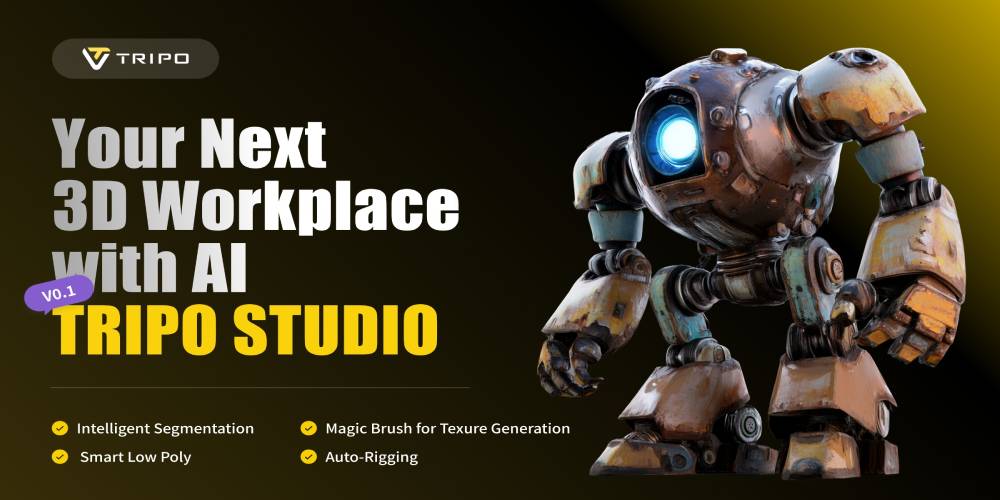
Tripo currently offers both High Detail Model and Smart Mesh workflows. Its High Detail Model option is designed for high-fidelity assets and can support models with up to 2 million polygons. Smart Mesh focuses on optimized quad-based geometry for applications such as games animation and VR/AR/XR.
This distinction gives creators more flexibility when deciding how much geometry their project requires.
Generate Textures With AI
Geometry is only one part of a convincing 3D asset. Materials and textures help determine how the finished object looks.
Tripo includes AI texturing tools that can generate materials and surface details for models. The platform describes its texturing capabilities as part of an end-to-end workflow that can take a model through generation texturing segmentation retopology and animation.
For creators this can reduce the number of separate tools needed during the early stages of asset creation.
Prepare Models for Games and Animation
Game developers and 3D artists often need models that can move efficiently through a production pipeline. Tripo's Smart Mesh workflow is designed for optimized assets while its platform also includes rigging and animation capabilities.
Tripo states that its generated assets can be exported in formats such as GLB FBX OBJ and USD and used with platforms including Unity Unreal Cocos Godot and Roblox.
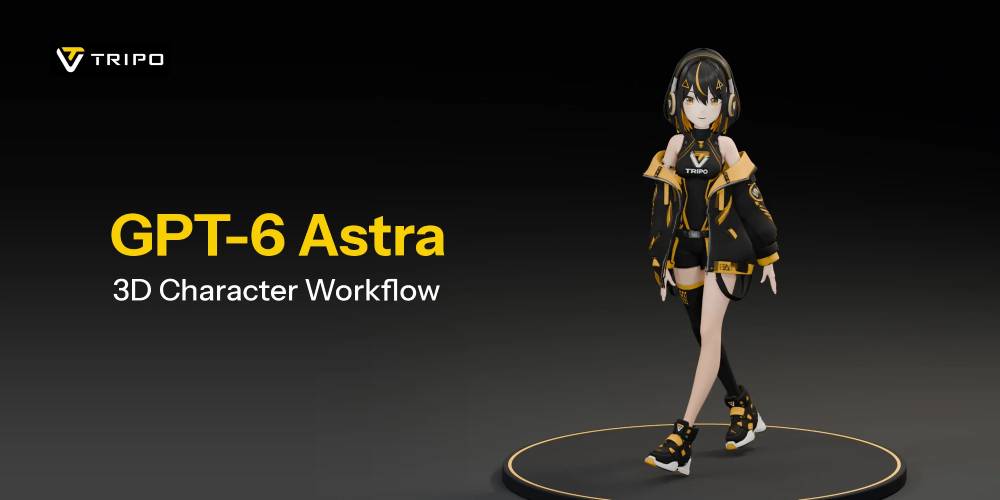
Its rigging tools can also automatically add standard skeletal structures to character models providing a starting point for animation workflows.
Explore 3D Printing Possibilities
AI-generated 3D models can also be useful for physical projects. Tripo provides a dedicated workflow for 3D printing that includes model generation automatic segmentation and export.
The platform states that larger models can be automatically split into parts sized for a printer's build area. Models can then be exported in formats such as STL 3MF or OBJ for use with slicing software.
This opens up possibilities for hobbyists designers educators and makers who want to move from a digital idea to a physical object.
Useful for Product Visualization
Businesses can also explore AI 3D modeling for product concepts and visualization. Instead of waiting for a finished physical prototype before creating digital assets designers can experiment with early concepts in 3D.
Tripo specifically identifies e-commerce product visuals among the use cases for its high-detail models.
For example a product concept could be transformed into a 3D asset for visualization presentation design exploration or further development.
A Workflow for Different Types of Creators
One of the strengths of Tripo is that it isn't limited to a single type of user.
Beginners can use text prompts or images to experiment with 3D without first learning complex modeling software.
Artists and designers can use AI generation to create starting points explore concepts and develop visual ideas.
Game developers can generate and optimize assets for real-time environments.
3D printing enthusiasts can turn concepts into printable models.
Businesses and product teams can explore product visualization and rapid concept development.
Because the platform combines generation with post-processing tools users can choose which parts of the workflow they actually need.
How to Get Started With Tripo AI
Getting started is relatively straightforward. A basic workflow can look like this:
- Choose your input — Start with text an image sketch or multiple references.
- Describe the concept — For text generation provide details about the object's shape style material and intended appearance.
- Generate the model — Let Tripo create the initial 3D asset.
- Refine the result — Apply textures adjust topology segment parts or use other available tools.
- Prepare the asset — Optimize the model depending on whether it is intended for games animation visualization or 3D printing.
- Export — Download the finished model in a compatible format for your next application or workflow.
The quality of the output can depend on the input. Clear specific prompts and useful reference images generally give the AI more information to work with.
Final Thoughts
Tripo AI brings AI-powered 3D generation into a more accessible workflow. Instead of requiring every model to be built from scratch creators can begin with words images sketches or multiple references and turn those ideas into three-dimensional assets.
With features covering text-to-3D image-to-3D multi-view generation AI texturing Smart Mesh segmentation retopology rigging animation and 3D printing workflows Tripo can support different stages of the 3D creation process.
Whether you're experimenting with your first AI-generated model developing game assets creating product visuals exploring 3D printing or looking for a faster way to visualize ideas Tripo AI offers a flexible starting point for turning concepts into 3D.